
Available Templates
Resume Matcher includes four resume templates.
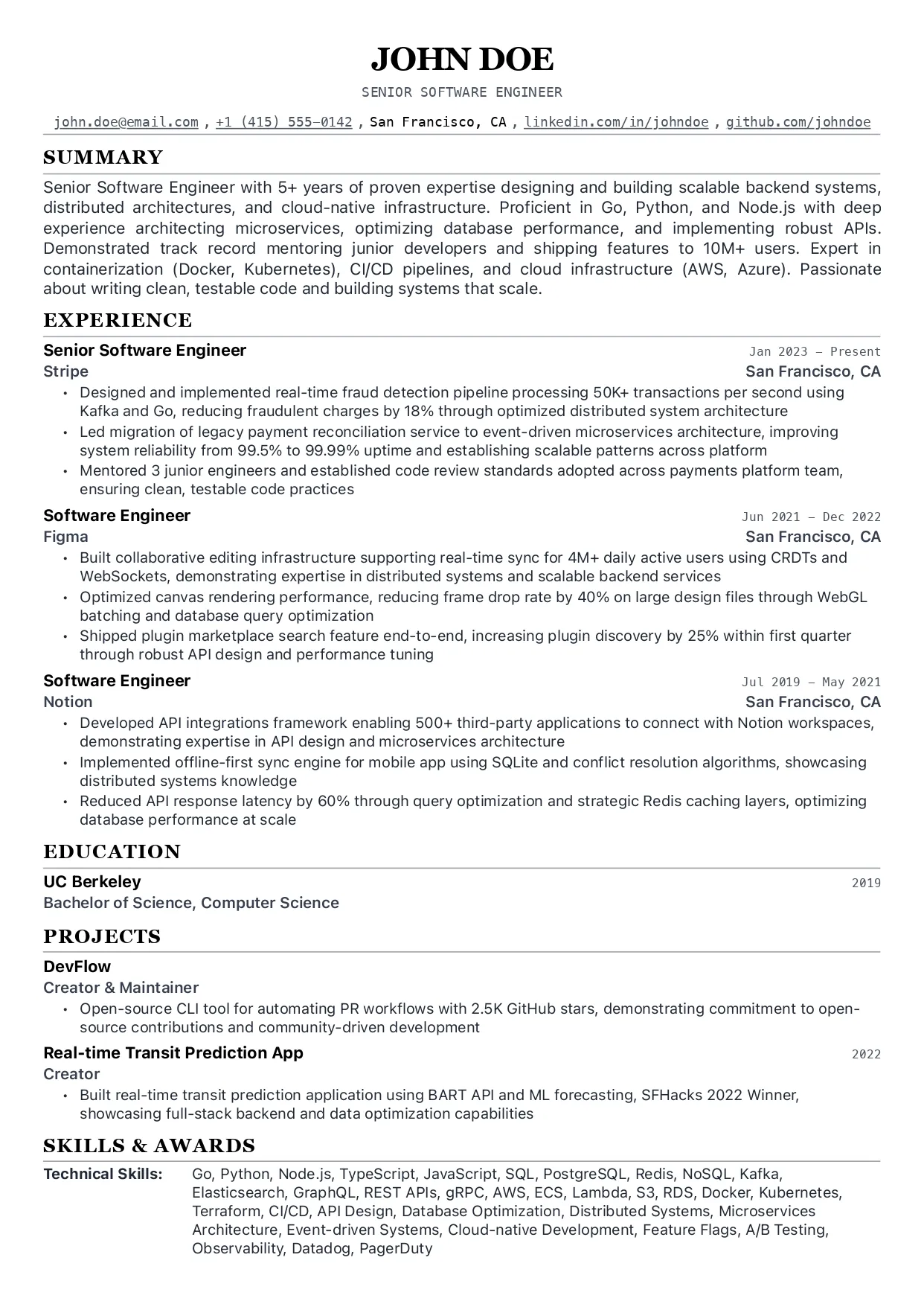
Swiss Single Column
The default template. Traditional single-column layout that works for most applications.
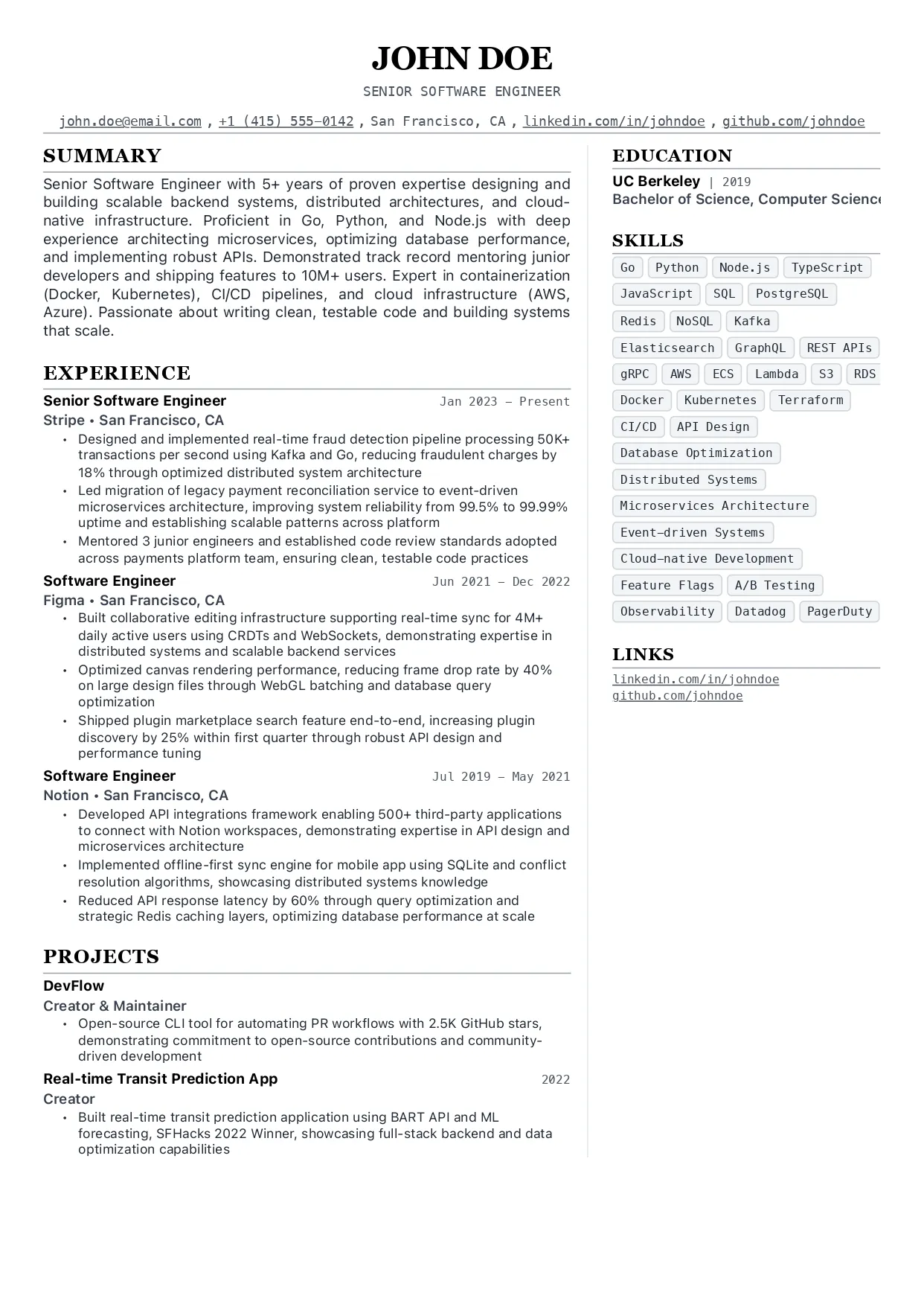
Swiss Two Column
A two-column layout that gives supporting details their own side column.
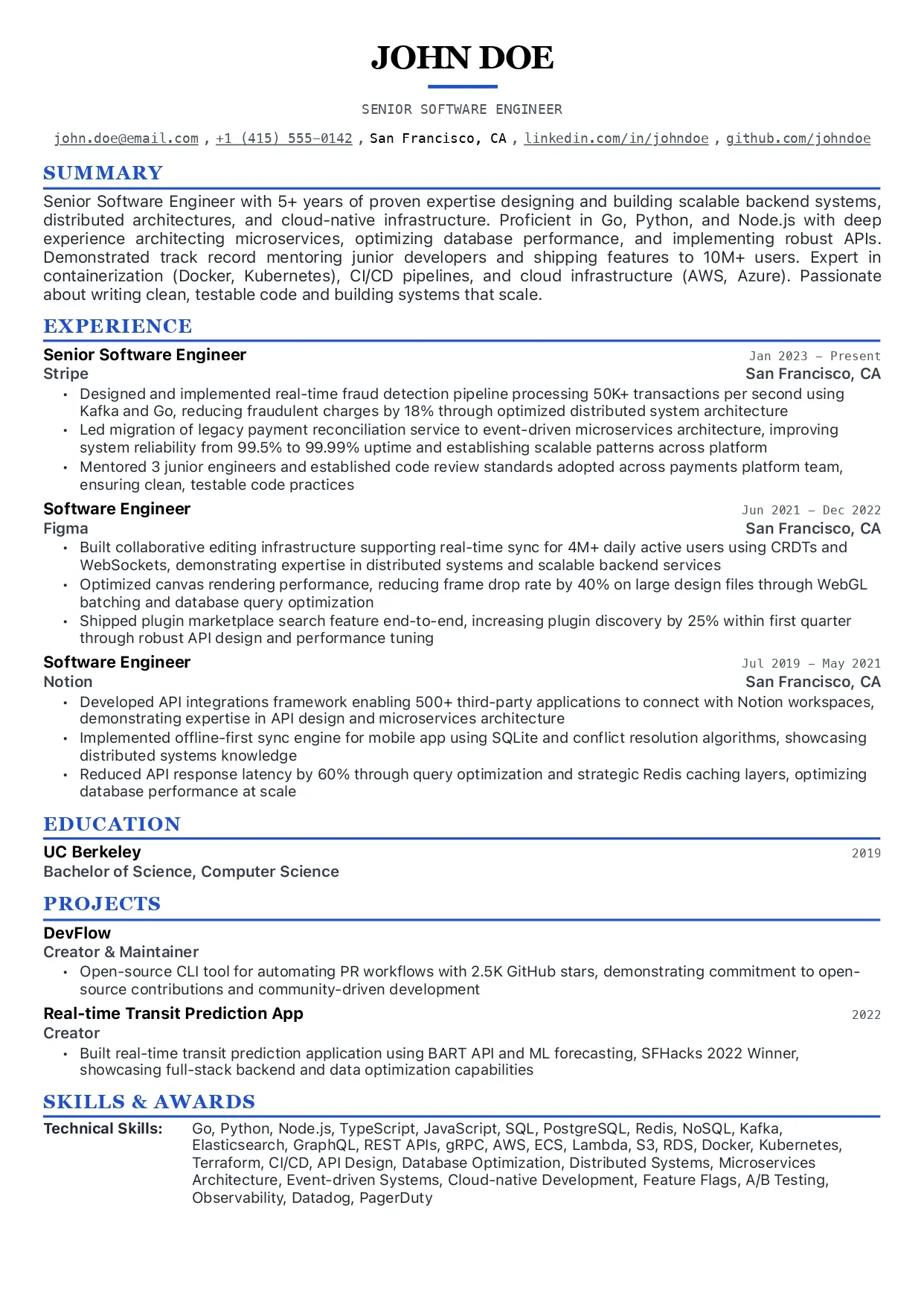
Modern
A contemporary single-column layout with a cleaner modern presentation.
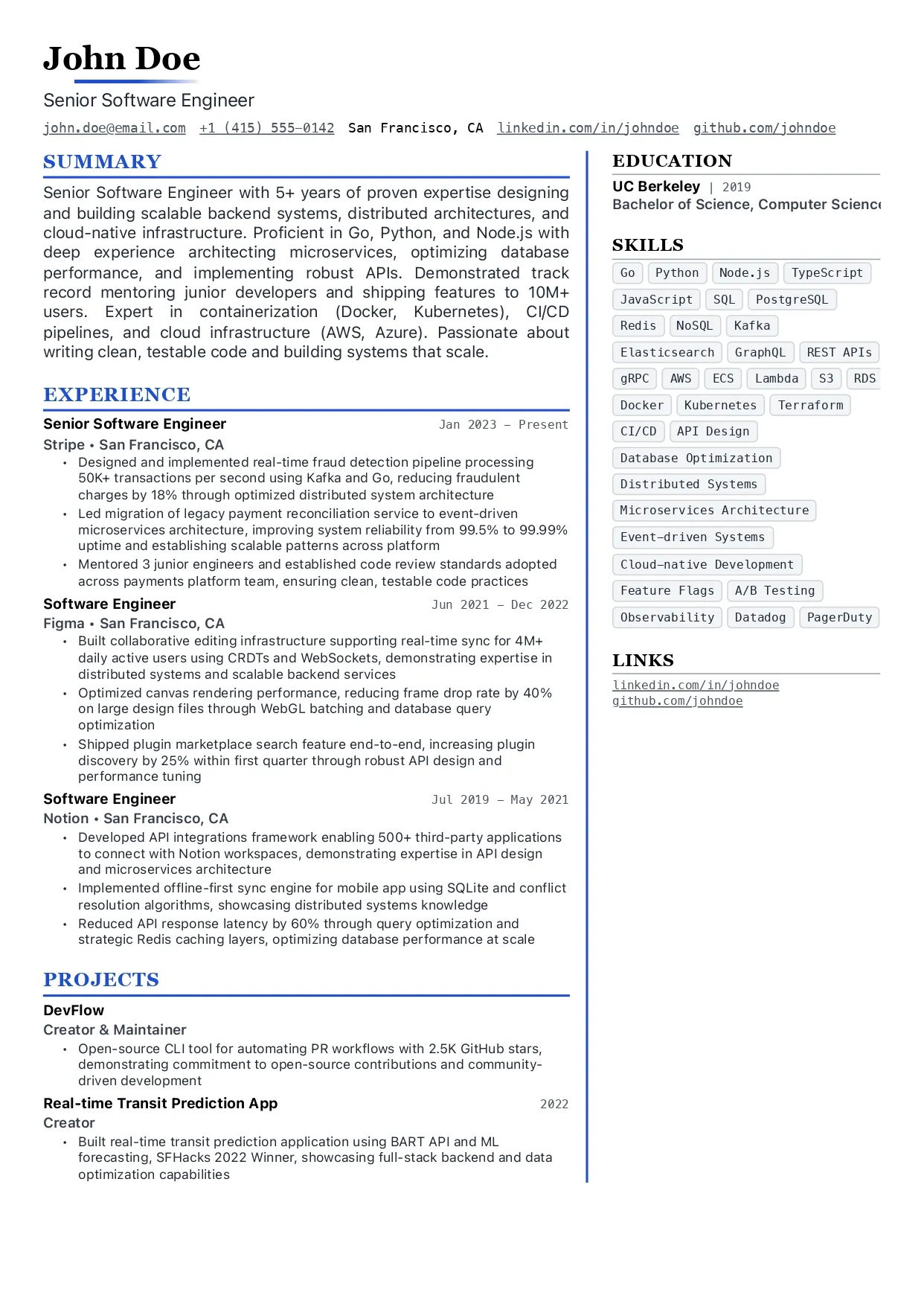
Modern Two Column
A contemporary two-column layout for denser resumes that still need strong structure.
Formatting Controls
All template changes are previewed live in the builder before export.
| Control | What It Does |
|---|---|
| Page Size | Choose A4 or US Letter |
| Margins | Adjust page margins |
| Section Spacing | Control space between major sections |
| Item Spacing | Control space between items inside sections |
| Line Height | Adjust readability and density |
| Base Font Size | Scale body copy |
| Header Scale | Scale section headers relative to body text |
| Header Font Family | Change heading typography |
| Body Font Family | Change body typography |
| Compact Mode | Reduce spacing for denser resumes |
| Contact Icons | Show or hide contact icons |
| Accent Colors | Available on modern templates |
PDF Export
The exported PDF follows the live preview. Local PDF generation depends on Playwright and Chromium, so complete the Playwright install step from Installation before exporting locally.
Choosing a Template
Use Swiss layouts when:
- you want a more traditional resume presentation
- you need a minimal, structured format
Use modern layouts when:
- you want a more contemporary look
- you want template accent colors
Use two-column layouts when:
- you need more space for supporting information
- you want skills, links, or metadata separated from the main experience column